Google Play Store PC
Google Play is Google's digital distribution platform. On Windows, Google offers Play content through the browser and Google Play Games on PC.
52.9 MB
NoxPlayer is a free Android emulator from Bignox for Windows and macOS that runs mobile games and apps on a computer with keyboard and mouse control.
Average 0.0 · ratings: 0
Thank you! Your rating is saved; you can change it. Could not save the rating. Please try again later. Too many ratings from your network today. Please try again tomorrow. The average appears after 5 ratings.
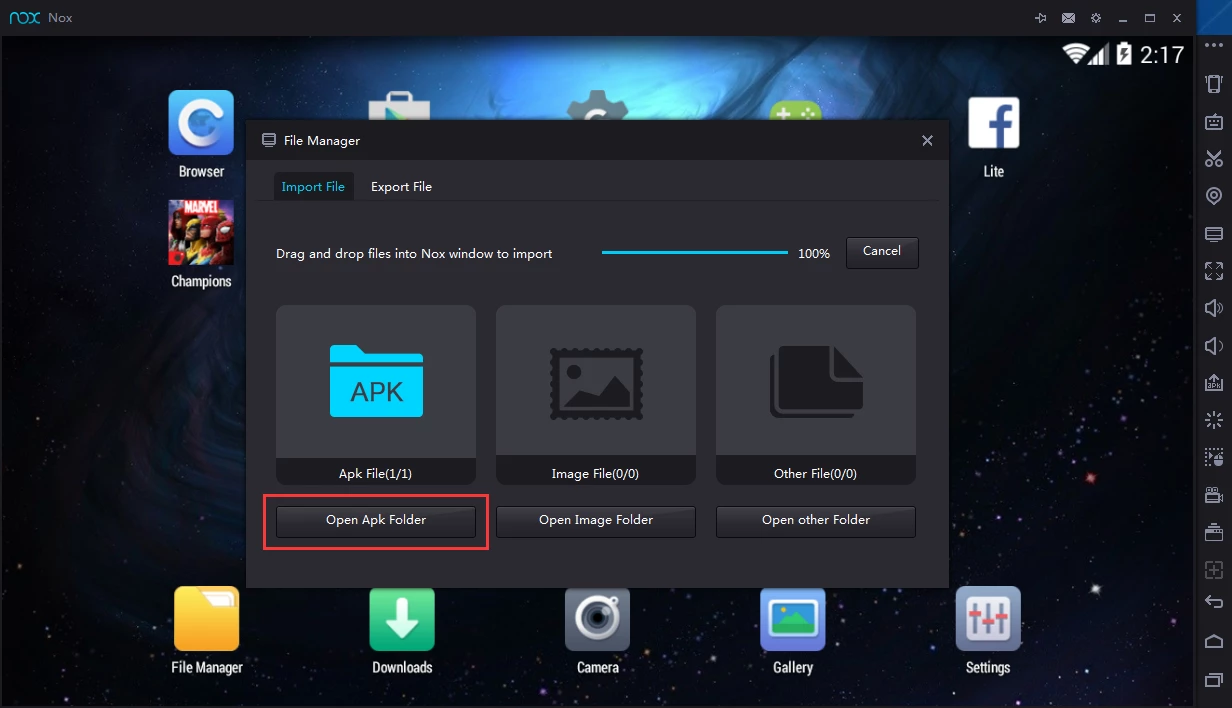
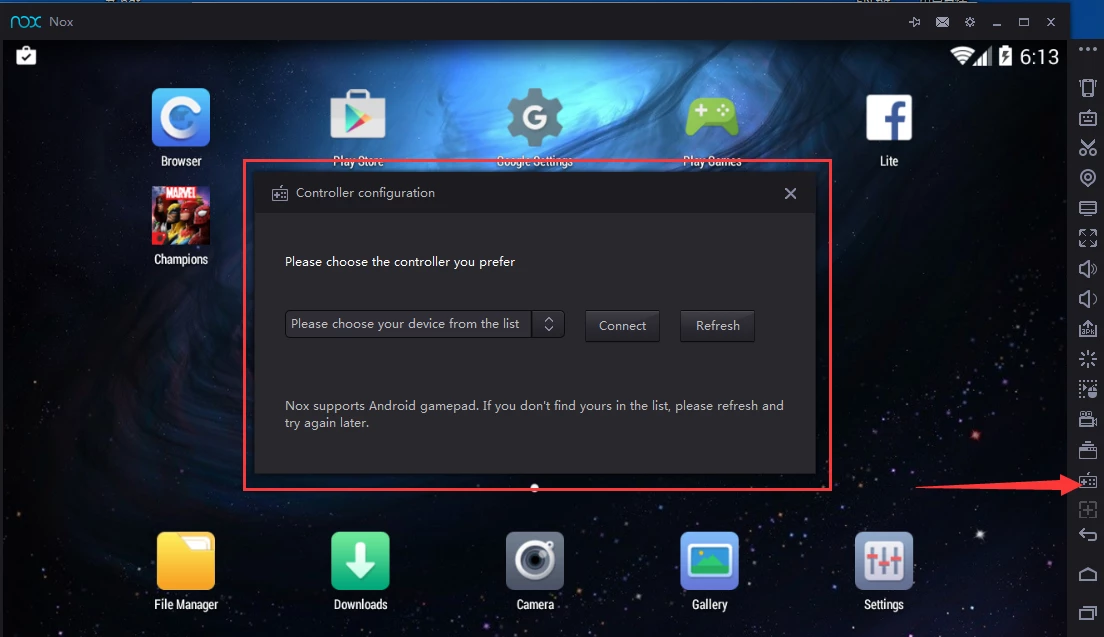
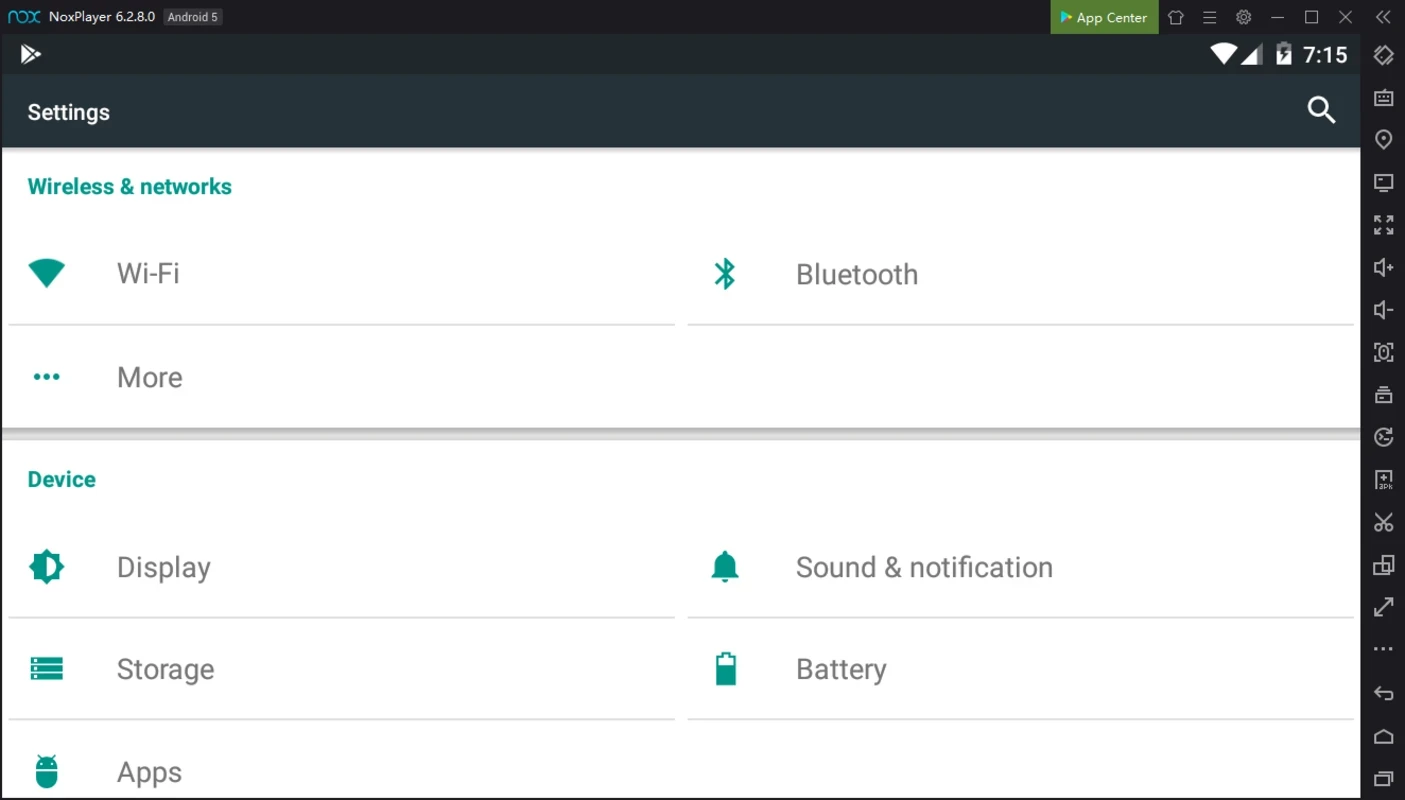
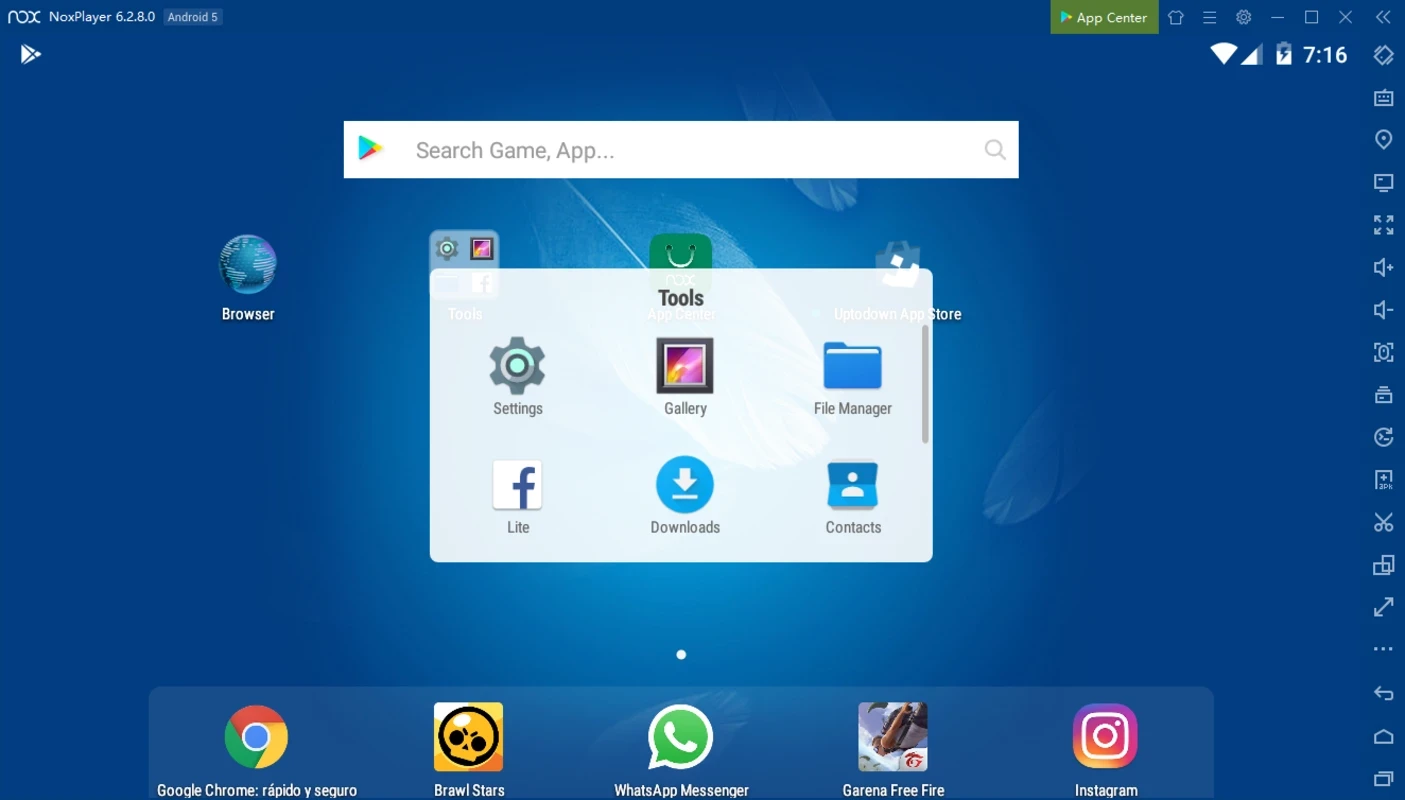
NoxPlayer 7.0.6.2 is a free Android emulator for Windows from Bignox that lets you run mobile games and apps on a PC. You download NoxPlayer from the official site, install it like a normal program and get a virtual Android device with Google Play inside a window on your desktop.
| Parameter | Value |
|---|---|
| Version | 7.0.6.2 (released 8 December 2024) |
| Developer | Bignox (Nox Limited) |
| Platforms | Windows, macOS |
| First release | 6 June 2015 |
| Licence | free, proprietary; contains advertising |
| Installer size | about 571.18 MB according to catalogue data |
| Official site | bignox.com |
An emulator creates a complete Android system on top of Windows. NoxPlayer is aimed mainly at players: it maps the keyboard and mouse to touch controls, so a shooter can be aimed with the mouse and a strategy game played with hotkeys. You can run several instances at once through the multi-instance manager, for example to use two accounts in parallel, record macros for repetitive actions, set the resolution, CPU cores and memory given to the virtual device, and install APK files by dragging them into the window. Besides games, people use it to test apps, run messengers that exist only for phones, or use Android-only tools on a big screen. The release history on the NoxPlayer support site lists the changes of each version; version 7.0.6.2 from 8 December 2024 is the latest one listed in the public data.
You need a Windows PC with hardware virtualisation support, enough RAM to share with the virtual device and a graphics card with current drivers. The installer is large, so plan for a few gigabytes of free space for the emulator and games. Some Windows features that use Hyper-V can conflict with emulators; check the settings if NoxPlayer fails to start.
Download only from the official site. Wikidata classifies NoxPlayer as adware: the free emulator shows advertising and may suggest extra software. Do not sign in with accounts you cannot afford to lose on any emulator, and some games ban emulator use in their rules. Because updates have become rare, keep an eye on the release history.
NoxPlayer is free; the developer earns from advertising and partner offers.
Other Android emulators on our site are BlueStacks, LDPlayer and MSI App Player. To mirror a real phone to the PC instead of emulating one, iMyFone MirrorTo is an option.
Google Play is Google's digital distribution platform. On Windows, Google offers Play content through the browser and Google Play Games on PC.
Media Creation Tool is a free Microsoft utility that downloads Windows and turns it into a bootable USB flash drive or an ISO file.

LDPlayer is an Android emulator for Windows that runs mobile apps and games on a computer.

BlueStacks is an Android emulator for Windows that lets you run Android apps and games on your PC.
Rufus is a free Windows utility that turns a USB stick into a bootable installer. The current version is 4.15.

PC App Store is a free software store for Windows from Baidu for finding, installing and updating PC programs. This page covers version 5.0.1.8682.
FAT32Format is a tiny free Windows tool from Ridgecrop Consultants that formats large disks and USB drives with the FAT32 file system.

Uptodown App Store for Windows is the desktop client of Uptodown, a marketplace for desktop software and mobile apps. This page covers version 1.0.3.